01 / SHEET QUANTITIES · 21 SEC
How many sheets?
Start with the wall and sheet measurements saved in a job. Open the sheet calculator, enter the areas and allow for waste to work out how many sheets to order.
YOUR NEXT JOB, WELL IN HAND
Work out the measurements. Get your materials together. Keep track of what comes next.
Carpenter Companion brings the calculations, know-how and job details you reach for every day into one practical app.
For apprentices, carpenters and hands-on renovators. Requires iOS or iPadOS 15.0 or later.
51 trade calculators
108 tool guides
19 practical lessons
One place for the whole job
SEE IT IN ACTION
Two quick walkthroughs from a sample workshop project. Press play to follow along; both demos are silent.
01 / SHEET QUANTITIES · 21 SEC
Start with the wall and sheet measurements saved in a job. Open the sheet calculator, enter the areas and allow for waste to work out how many sheets to order.
02 / JOB RECORDS · 20 SEC
Reopen a workshop job and find the measurements already saved in its notes. Revisit the sheet calculator and check the materials list without starting from scratch.
FROM FIRST MEASURE TO FINAL HANDOVER
Check a measurement, save the detail and pick up where you left off.
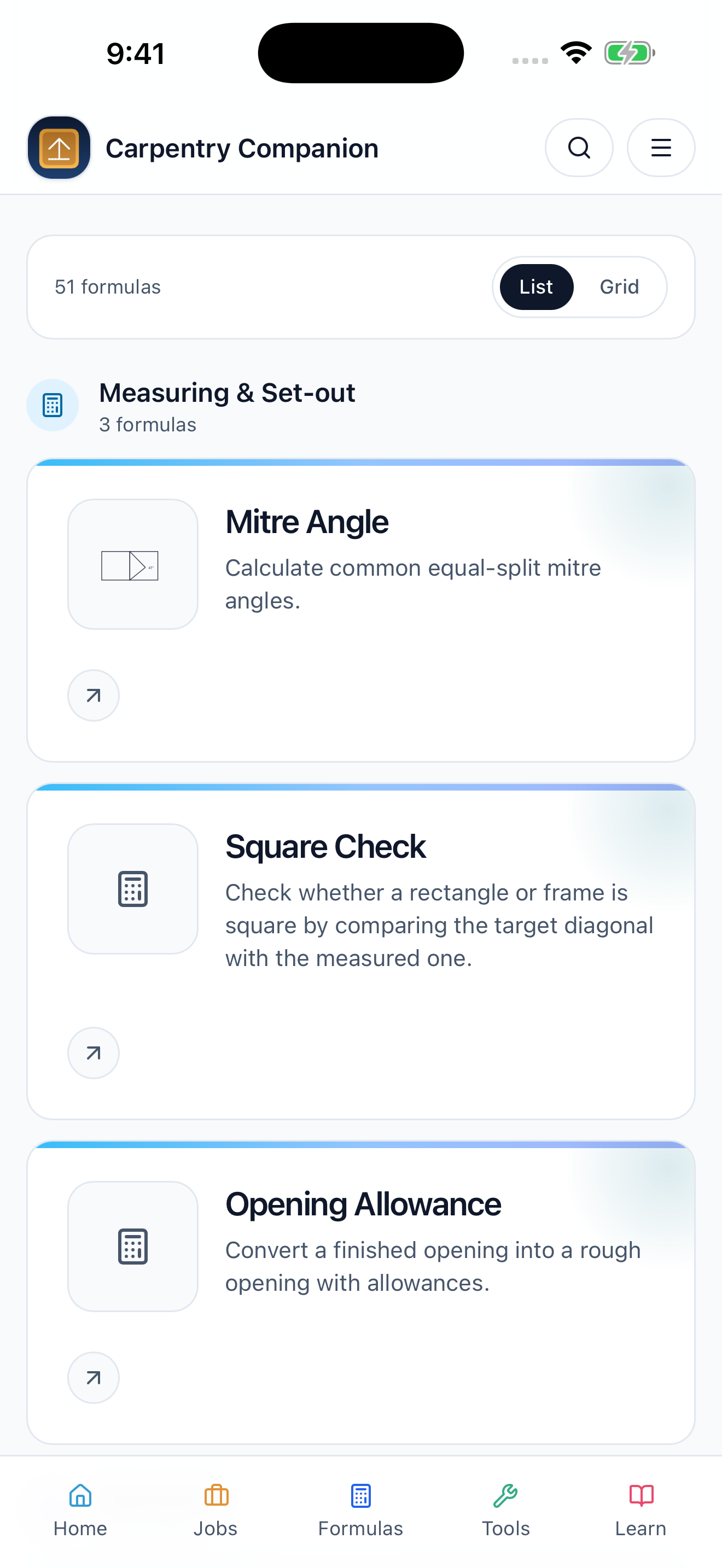
Roof pitch, rafters, stairs, areas, volumes and mitre angles. Choose a calculator, enter your measurements and work in the units that suit the job.
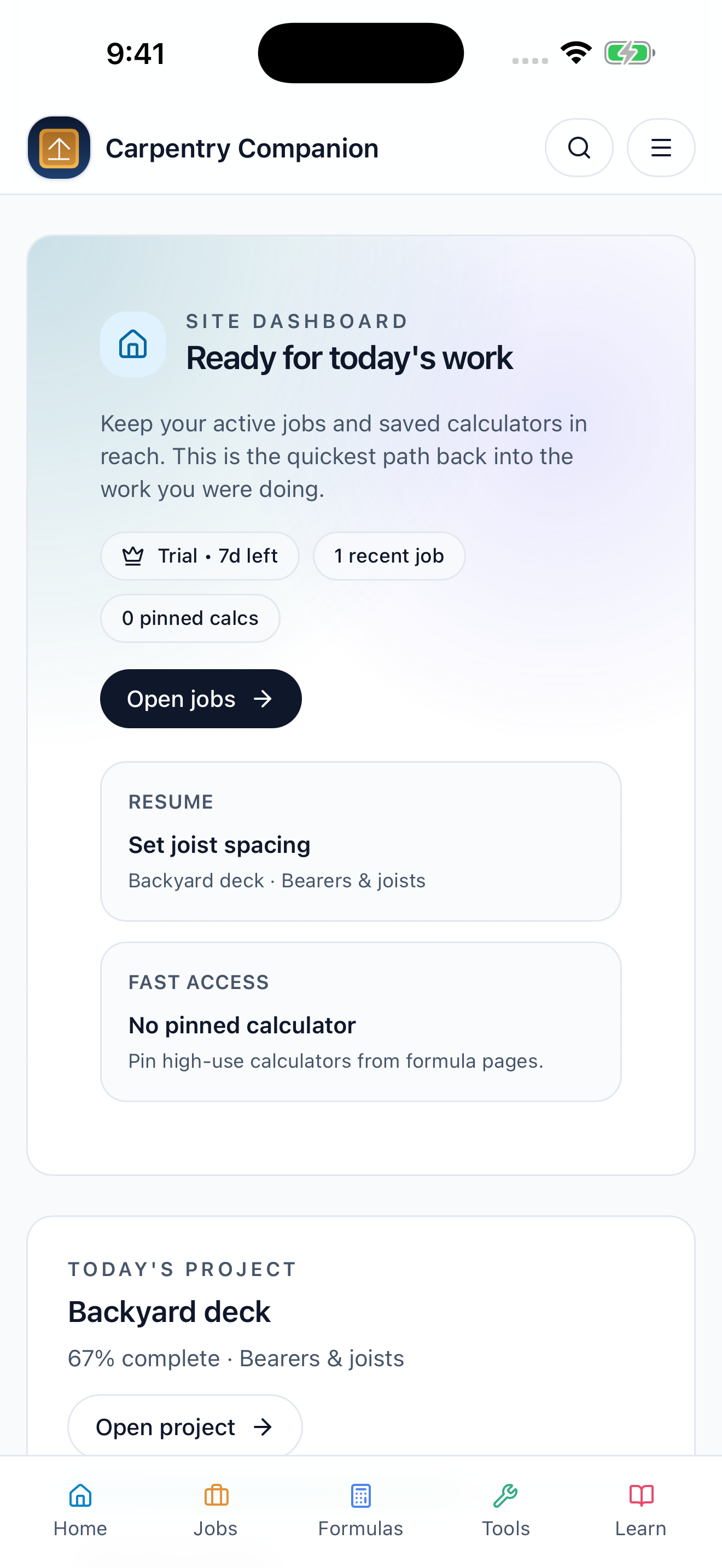
Keep notes, calculations, materials and attachments with the work they belong to. Break the project into phases and actions so the next step stays in sight.
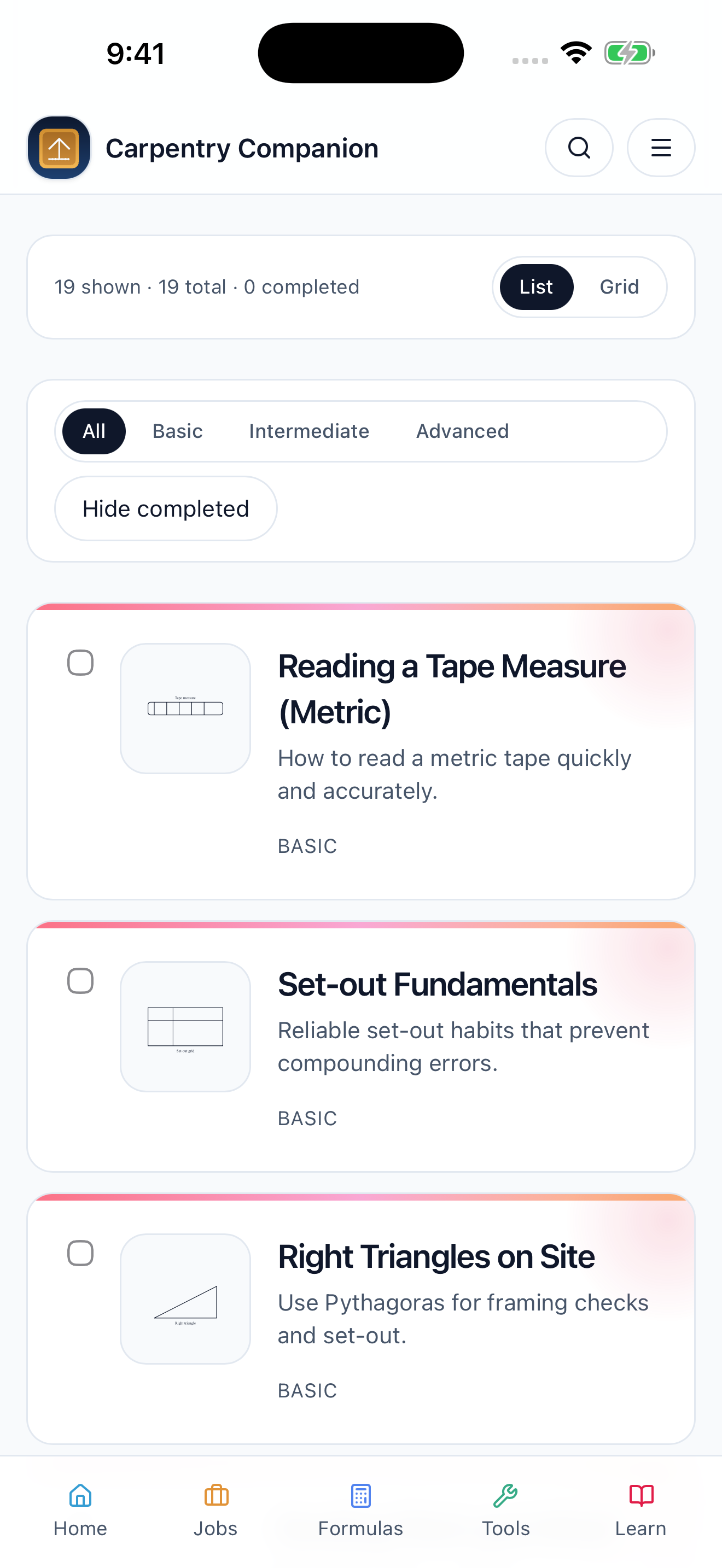
Refresh a technique before you start. Practical lessons cover measuring, set-out, framing, roofing and estimating, with tool guides close at hand.
ROOM TO SEE THE BIGGER PICTURE
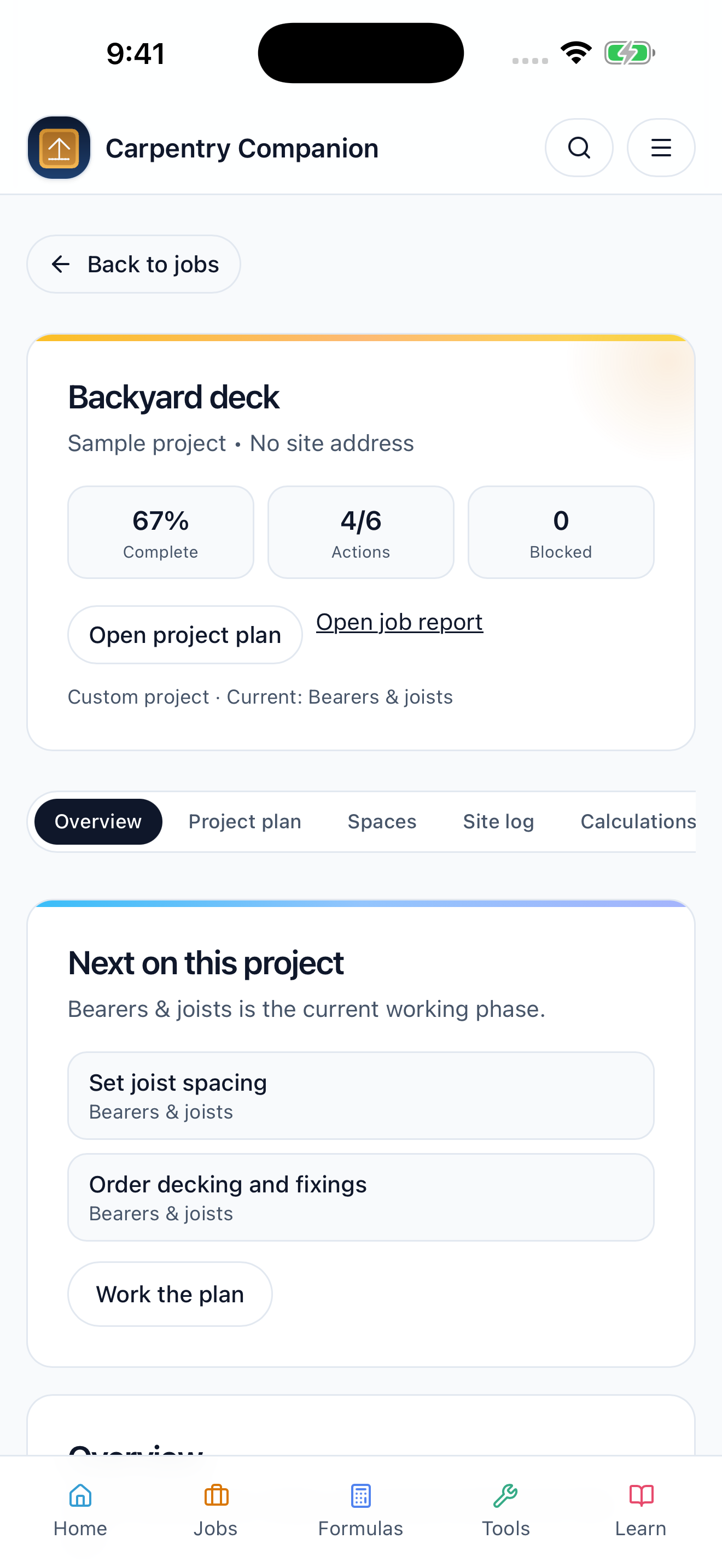
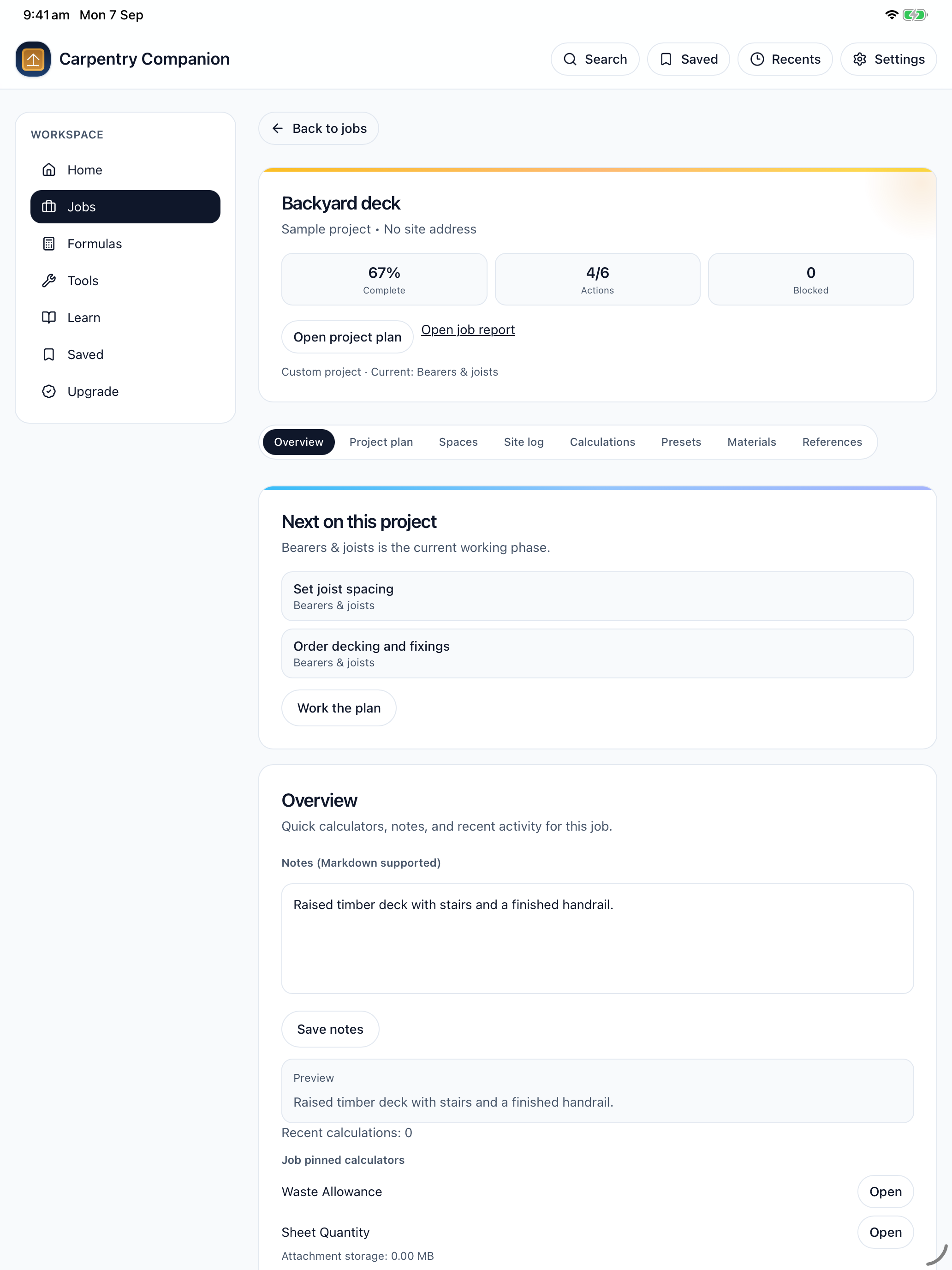
Use your iPhone for a quick check. Open your iPad when it is time to work through the details. See the current phase, review the next actions and keep your notes alongside the plan.
From a backyard deck to a room fit-out, the important details stay with the job.
TRY IT ON YOUR NEXT PROJECT
Explore the full toolkit with a seven-day introductory trial. Then choose the access that fits the way you work.
Weekly, monthly and yearly subscriptions are available, alongside a one-time Lifetime unlock. See the current price in the app before you buy.
The introductory trial does not start a paid subscription. Subscriptions renew automatically until cancelled. Lifetime is a one-time purchase. Manage or cancel subscriptions in your Apple account.
CARPENTER COMPANION PRO
A FEW PRACTICAL DETAILS
Apprentices learning the trade, carpenters juggling measurements and job details, and renovators who want a more organised way to plan their work.
Yes. Core calculators, lessons and saved job records are available without reception. Purchases, restores and external links need an internet connection.
Pro includes job reports, calculation slips and export tools to help you keep records and hand over the details.
No. Use it as a calculation and learning aid. Check your measurements and verify work against current building requirements, approved plans and qualified professional advice.
Open Upgrade in the app and choose Restore Purchases while signed in to the Apple account used for the purchase. For help, visit support.

READY FOR YOUR NEXT JOB
Measure with a method. Plan with the details. Keep the work moving.
Download on the App StoreAvailable now for iPhone and iPad. Free to download with in-app purchases.